
Have you ever felt that feeling of despair when a website looks incredible on your computer but on your mobile, it’s a mess of broken images and text. Or, perhaps you have sent a link of your awesome website to your friend, but he is complaining he cannot browse it properly on his tablet. Well, this is precisely the problem responsive websites are built to solve. In this current internet age where devices are more and more diverse and people browse on everything, from massive desktop screens to tiny smartwatch displays, having a website that changes with devices is a must have not only a good to have. Building it can look very challenging to do but it’s actually not that difficult with the right process, this guide is here to illustrate it to you in a clear and simple way.
Build Responsive Sites, Effortlessly
What is a Responsive Website?
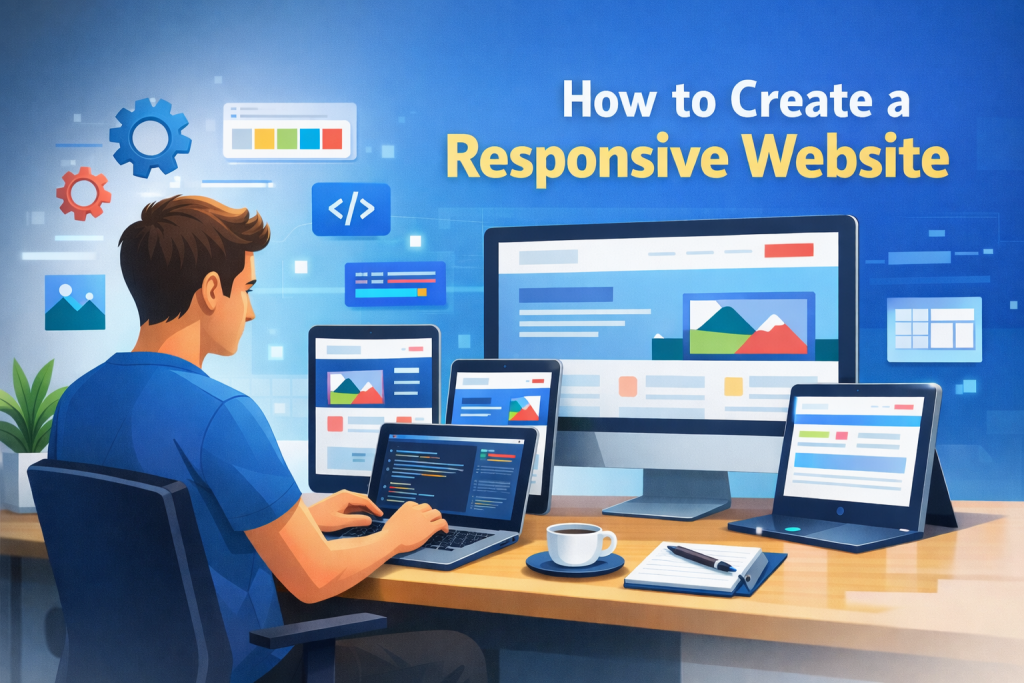
So, what exactly does ‘responsive’ means in terms of web sites? In its simplest form, responsive web site is one which has been designed, built and developed to automatically adapt its content, layout and Performance based on the size and Position of the device it is viewed on. It’s kind of like a chameleon, it takes its form and appears different based on the situation. A web page should look good on any of these different devices, regardless of its size: a desktop monitor, a laptop, a horizontal positioned tablet, a portrait positioned smart phone or even a smart television. A responsive web site will do this by resizing images, stacking content, changing layouts so all content is legible and accessible on a page. The skillful application of these flexible grids, fluid images and media queries allow web designers to do so.
What this means in practice is that when you load up a responsive website on your phone, your navigation menu may fold up into a “Sidebar menu” icon, text may reduce down to an easily readable size, and images might shrink down so they do not create too much horizontal scrolling. You may see a slightly different layout on a tablet compared to a desktop computer, perhaps with more columns or larger touch friendly areas. The content itself doesn’t change from version to version; it is merely the presentation. You aren’t designing a different website for every device, you are designing one website which cleverly adapts to the device it’s been accessed from.
A non responsive website is basically a fixed width website, this will only load at one width, which can cause usability issues such as the visitor to zoom and pan to access the content, this results in a bad experience for the visitor and can make your website difficult and frustrating to use, which can cause users to leave the website. Nowadays it is essential to have a responsive website, due to the fact that a large amount of traffic is visiting from mobile phones.
Why is a Responsive Website So Important?
The need for a responsive website cannot be stressed enough given the varied nature of our modern internet experience. One reason is simply that people access the internet using a multitude of devices. Smart-phones, tablets and so forth all come with varied screen-sizes and a non-responsive site is bound to lose a huge chunk of possible viewers. A potential client attempts to navigate your online shop on his or her mobile phone but items get cropped and buttons are too small for fingers to press. They will most probably leave your site immediately and go directly to a competitor.
The use of search engines such as Google also strongly recommends a responsive design. Google’s search engine uses mobile-friendly websites at the top of the results, also known as mobile-first indexing. If you do not use a responsive website design you will consequently miss out on high-ranking search results, and people will have difficulties finding your website. Therefore a responsive design is an investment into your website’s search engine optimisation and visitor rate.
Last but not least is user experience. A responsive website gives the user the same great and smooth experience no matter what they are using the website on. This encourages higher engagement and lower bounce rates and ultimately better conversion rates whether you are trying to sell products, gain leads or provide information. Users will spend more time on your site, navigate through more pages and achieve their goals ( and consequently yours).
Make Your Website Work Everywhere
Step-by-Step Guide to Building a Responsive Website
Building a responsive website might seem complex, but by breaking it down into manageable steps, it becomes much more achievable. The first crucial step is planning and design. Before you write a single line of code, sketch out how your website should look on different screen sizes. Consider your primary content and how it will adapt. Will navigation change significantly? How will images be displayed? Using wireframes and mockups for desktop, tablet, and mobile views can be incredibly helpful here.
Next comes the implementation phase, which involves using specific coding techniques. The foundation of a responsive website lies in fluid grids. Instead of using fixed pixel values for widths, you’ll use percentages. For example, instead of a div being width: 960px;, you’d use width: 100%; or width: 50%; to allow it to scale with the viewport. Alongside fluid grids, flexible images are essential. You can make images responsive by applying max-width: 100%; and height: auto; to them. This ensures images never overflow their containers and maintain their aspect ratio.
The magic ingredient that truly brings responsiveness to life is media queries. These are CSS rules that allow you to apply different styles based on the characteristics of the device, such as screen width. For example, you might use a media query like @media (max-width: 768px) { /* styles for tablets and smaller */ } to adjust font sizes, change column layouts, or hide certain elements on smaller screens. This allows you to fine-tune the experience for various breakpoints, ensuring your responsive website looks perfect everywhere.
Essential Tools and Technologies for Responsive Design
When embarking on the journey to build a responsive website, having the right tools and understanding key technologies will significantly Simplify the process. At the core of responsive web design are HTML and CSS, the fundamental building blocks of the web. HTML provides the structure and content, while CSS dictates the presentation and layout. Mastering CSS properties like display, float, position, and the more modern flexbox and grid layout modules is crucial for creating adaptable designs. Flexbox and Grid are particularly powerful for creating complex, responsive layouts with less code.
Beyond the basics, frameworks can be a game-changer. CSS frameworks like Bootstrap, Foundation, and Tailwind CSS offer pre-built components, grids, and utility classes that are inherently responsive. They provide a solid foundation and accelerate development, allowing you to focus more on customization and content rather than Transforming the wheel. For example, Bootstrap’s grid system makes it incredibly easy to define columns that stack or arrange themselves based on screen size, helping you build a responsive website much faster.
For those who prefer to start from scratch or want more control, CSS preprocessors like Sass or Less can also be beneficial. They allow you to write more organized and maintainable CSS, including features like variables and mixins, which can be used to manage responsive breakpoints and styles efficiently. Finally, understanding how to use browser developer tools is indispensable. They allow you to inspect elements, test how your site looks on different simulated devices, and debug your responsive styles effectively, ensuring your responsive website functions as intended.
Tips and Best Practices for a Seamless Responsive Experience
To truly excel at building a responsive website, it’s not just about knowing the techniques; it’s about Using best practices that Value the user. One of the most important principles is mobile-first design. This means designing for the smallest screen first and then progressively enhancing the design for larger screens. This approach forces you to focus on essential content and functionality, ensuring a streamlined experience for mobile users, who are often the most constrained by screen real estate and bandwidth.
Another key practice is performance optimization. Large images and complex scripts can slow down a responsive website, especially on mobile devices with slower internet connections. Optimize images for web, use lazy loading for images that are below the fold, and minimize CSS and JavaScript files. Consider using responsive images techniques like the ` element or thesrcset` attribute to serve appropriately sized images based on the user’s device and viewport. This ensures a fast and smooth experience for everyone.
Finally, testing, testing, and more testing is absolutely vital. A responsive website needs to be checked on a wide range of actual devices and screen resolutions, not just simulated ones in developer tools. Test on different browsers, operating systems, and even different network conditions if possible. Pay attention to usability: are buttons easy to tap? Is text readable without zooming? Is navigation intuitive? Assembly feedback from real users can also provide invaluable insights into how your responsive website performs in the wild.
Common Mistakes to Avoid When Building a Responsive Website
While the goal is to build a responsive website with ease, several common pitfalls can hinder your progress or lead to a less-than-ideal user experience. One of the most frequent mistakes is ignoring mobile-first design. Many developers start with a desktop layout and then try to “shrink” it down for mobile, which often results in cluttered interfaces, hidden content, and poor usability on smaller screens. Reversing this approach and designing for mobile first naturally leads to a more streamlined and focused responsive website
Lastly, overlooking touch targets and navigation on mobile is a common oversight. Buttons and links need to be large enough and have sufficient spacing to be easily tapped with a finger. Complex desktop navigation menus often don’t translate well to mobile; they need to be simplified and made accessible, often through a “hamburger” menu. Ensuring your responsive website is not only visually adaptive but also functionally intuitive across all devices is crucial for a truly successful outcome.
Conclusion
As we’ve explored, building a responsive website is no longer a niche skill but a fundamental necessity for anyone looking to establish a strong online presence. It’s about ensuring your message, product, or service is accessible and engaging to every potential visitor, regardless of the device they’re using. By embracing principles like mobile-first design, leveraging flexible grids and fluid images, and understanding the power of media queries, you can create a responsive website that adapts beautifully and functions flawlessly across the vast spectrum of screens. The tools and frameworks available today further simplify this process, making responsive design more accessible than ever before. Remember that continuous testing and a focus on user experience are the keys to not just building a responsive site, but building a great one that truly works for everyone.
FAQ
- Q1: Do I need to be a coding expert to build a responsive website?
A1: Not necessarily! While understanding HTML and CSS is beneficial, many website builders (like Wix, Squarespace, or WordPress with responsive themes) offer drag-and-drop interfaces that allow you to create responsive designs with minimal or no coding. Frameworks like Bootstrap also greatly simplify the process for those with some coding knowledge.
- Q2: How do I check if my website is responsive?
A2: The easiest way is to resize your browser window on your desktop – the content should adapt. You can also use your browser’s developer tools (usually by pressing F12) to simulate different device viewports. For the most accurate results, test your site on actual mobile phones and tablets. - Q3: Will building a responsive website cost more or take longer?
A3: In the past, it could add to costs, but with modern tools and techniques, building a responsive website is often more efficient than creating separate mobile sites. Designing with responsiveness in mind from the start saves time and resources in the long run compared to retrofitting a non-responsive site or maintaining multiple versions. - Q4: What’s the difference between responsive design and adaptive design?
A4: Responsive design uses fluid grids and flexible images to adapt to any screen size. Adaptive design, on the other hand, uses fixed layouts that are designed for specific screen sizes (e.g., one for desktops, one for tablets, one for phones). Responsive design is generally more flexible and future-proof.